Showing posts with label Cricut - A Child's Year. Show all posts

Thursday, October 14, 2010

Let's talk Christmas Cards with the Cricut!

Christmas is a little over two months away but you and I both know that time is going to fly.  Here are some ideas for some cards to make for this season.  I made these last year for my other blog, Everyday Cricut, and wanted to share them with my new readers over the last year.


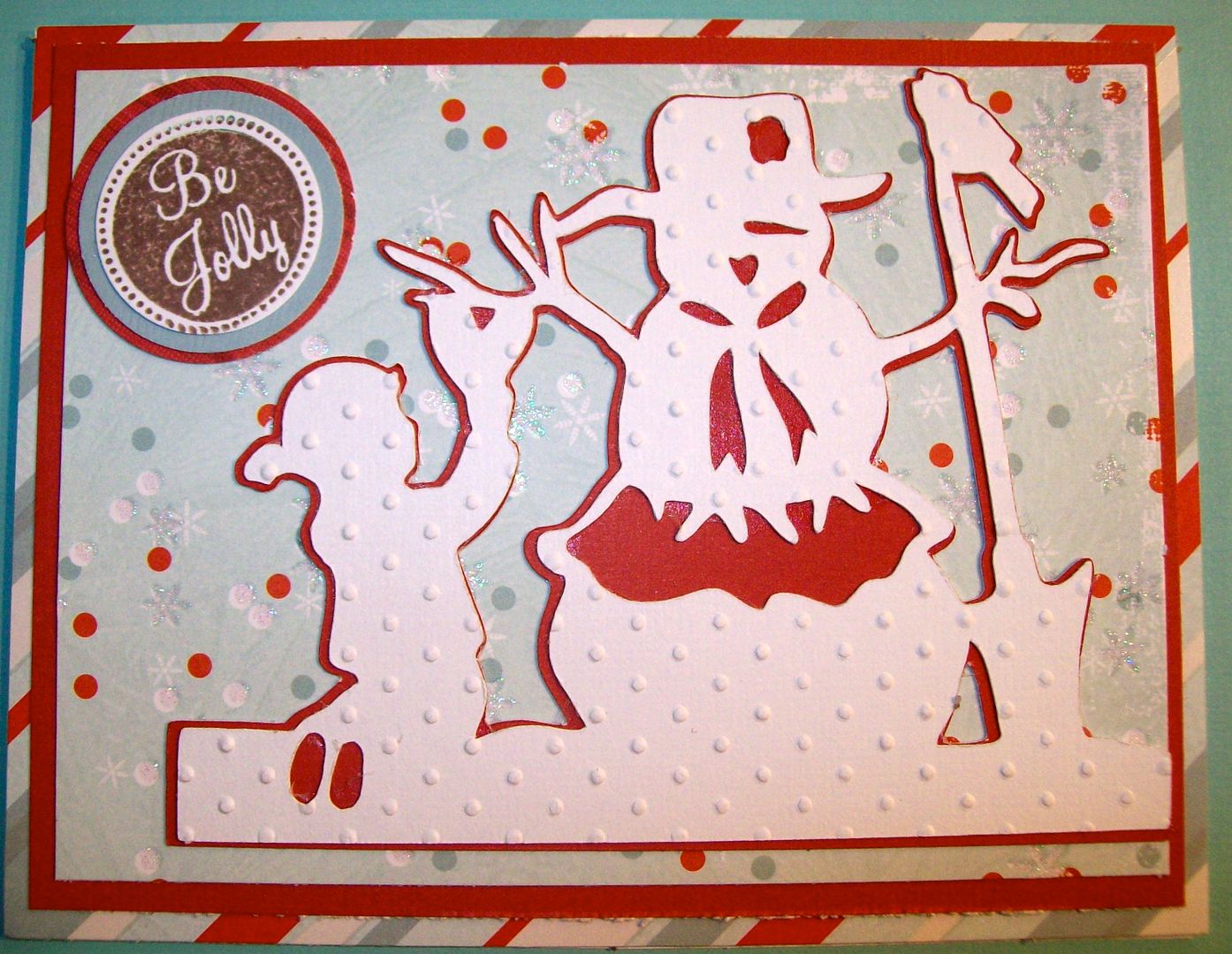
You can easily make this Christmas card above in multiples (12 can be made really quickly)!  It uses a layered image from one of my favorite Cricut cartridges, Cricut A Child's Year.  See my post and video on how to do that by clicking HERE!


Have you tried the Joy Fold card?  The card above is of that style and uses the house image from Joys of the Season Cricut cartridge.  You can see more about how to make this (with video) by clicking HERE!
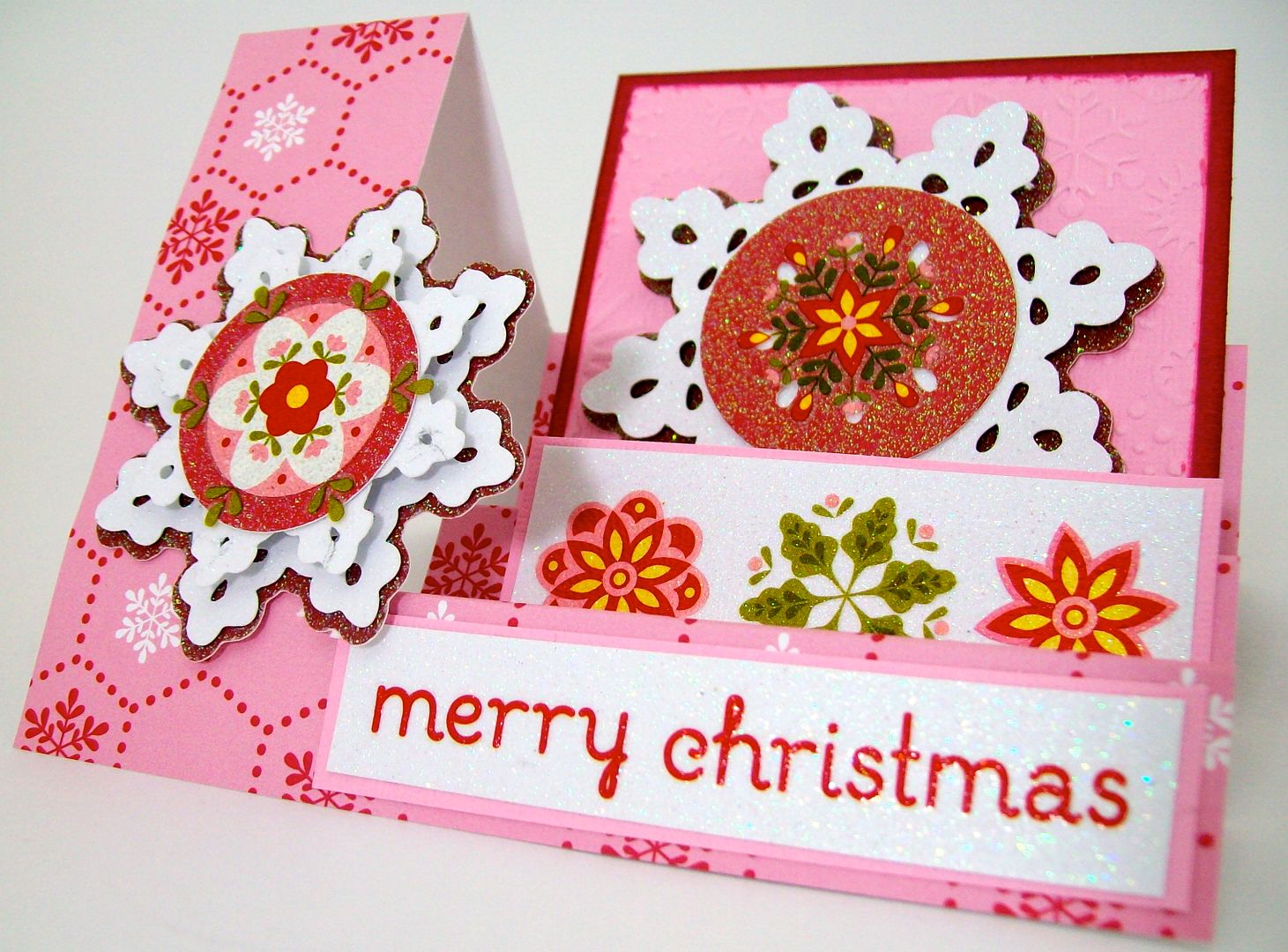

How about this side stair step card?  These are SO FUN to make!  Check out a step by step "how to" do this by clicking HERE!
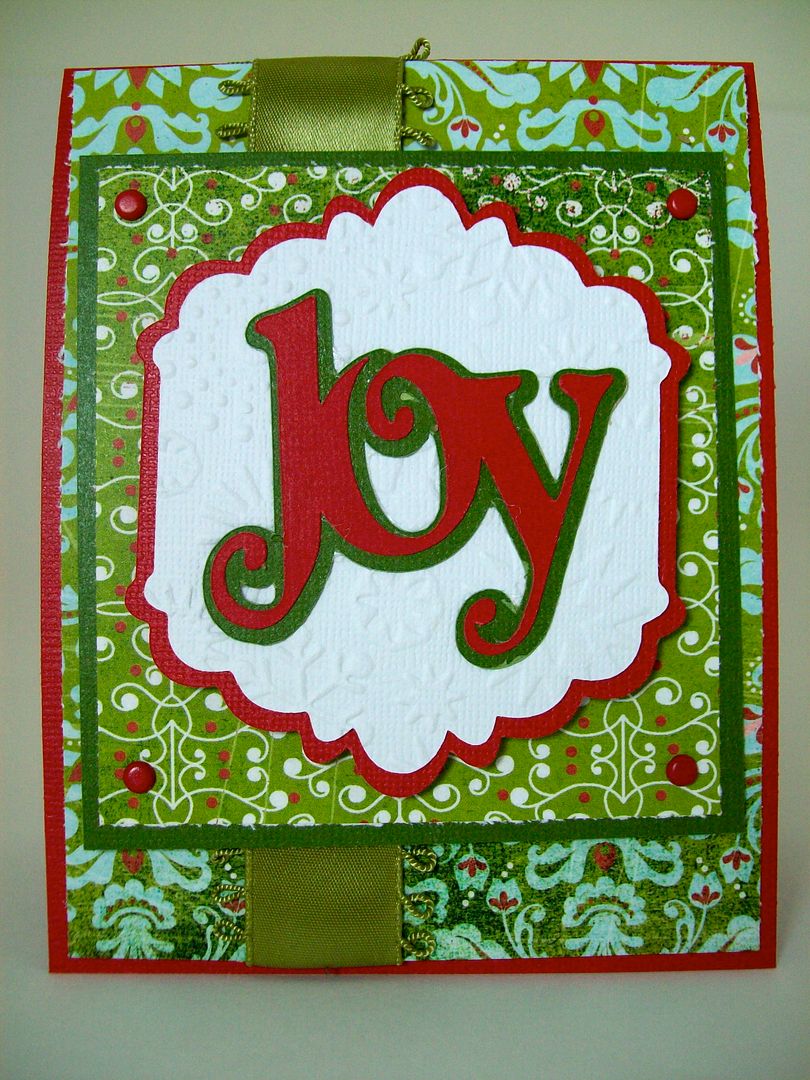

Finally, I can never resist a "Joy" card and this one came together so quickly and easily using the pre-welded word art "Joy" and background tag from the Cricut Winter Woodland cartridge, another favorite.  You can see more on how I made this (including a video) by clicking HERE!

Subscribe to Obsessed with Scrapbooking to learn more about ways to use the Cricut in your scrapbooking! Share/Save/BookmarkAdd to Technorati FavoritesThis post may contain affiliate links, which help subsidize my diet coke and coffee intake, necessary to run this blog.

Monday, September 20, 2010

Cricut Birthday Bash Elegant Card!


There is an awesome card and tag feature key on the new Cricut Birthday Bash Cartridge that I am just loving!!  This card shape and title ("celebrate") were cut at 5-1/4" and it took no time!  I used double sided K & Company paper so the inside is decorated also.  Anna Grffin's dimensional flower sticker provided the focal point.


The "celebrate" automatically resizes to cut to fit the card - you don't have to change the dial (FYI for newbies!).  I cuttlebugged the scalloped oval (cut from the Cricut A Child's Year cartridge at 4-3/4") using the damask folder.  I also added some white pen work to the "celebrate" wording to give it some attention.


Inside I cut two more scalloped circles from the Cricut A Child's Year cartridge at 4-3/4" and 4-1/2" using Core'dinations cardstock.  Did some inking also!


Here are the sample images from the Cricut Birthday Bash cartridge - so cute!  But it can be elegant also!


Tune in tomorrow for another project!  Have a great day, guys!  HUGS!!

Subscribe to Obsessed with Scrapbooking to learn more about ways to use the Cricut in your scrapbooking! Share/Save/BookmarkAdd to Technorati FavoritesThis post may contain affiliate links, which help subsidize my diet coke and coffee intake, necessary to run this blog.

Monday, November 16, 2009

Need to make Christmas cards quick!? I've got some ideas!


OK, I don't know about you but Christmas is just 6 weeks away and I am not ready at all! And, this year, since I have the Christmas blog, I can't very well NOT send out home made cards, know what I mean? How's that going to look if I include a letter talking about the Christmas blog and no handmade cards?!!? Not good. LOL!

So, I've been on a quest to get some cards made!!

Fortunately, I was asked to be a guest designer on Hallmark Scrapbook's blog, Hallmark Ladybugs. I am really honored to be asked!! I figured that would be a good time to develop a pretty, but fast card to make. Nothing like a blog post to spur me into action! So, I came up with the quick, but pretty cards above that can be made with the Cricut cartridge, A Child's Year. I made a video to show you how to do this. To see more details and to leave a comment over there, click HERE!


I also had today's post and video over on Christmas with the Cricut....obviously, I didn't have a calendar handy when I arranged these posts back to back....LOL! So, I decided to continue on with the theme and show a card that could be easily made but is simple and elegant, if I say so myself....hee hee! I made the snowflake card above using the Winter Woodland cartridge and the card feature from the cartridge. The background that is glittery is made with Martha Stewart fine glitter and a secret ingredient. You can see the video and post above.


Share/Save/BookmarkAdd to Technorati Favorites

Friday, July 3, 2009

New Cricut Cartridges - A Child's Year, Ashlyn's Alphabet and Stamping Solutions small preivew

Here are the Stamping Solutions images per Provocraft: (Click on images to see larger)


Remember that Solutions cartridges have fewer images and thus fewer feature keys. I love this cartridge - I especially like the owl, the bird, and all the word art! This is amazing!

Next is A Child's Year (click on images to see them larger):


I especially like the monogram feature with the scalloped circle shadow and also all the cards on this cartridge. At first it just looks like lots of old fashioned silhouettes but there is a piano, violin, apple (which makes into a cute card), some birds, etc. There is a lot more here than it initially looked like when they first announced this.

Finally, Ashlyn's Alphabet (click on image to see larger):


If you look at the overlay carefully, you will see a function key called ICON that looks like a teapot. It also can be shadowed (ICON SHADOW key) - I can't wait to see what cute things are hidden in there. I bet there will be some great stuff!

Copyright

Unless otherwise stated within the post, this is my original work. Please feel free to use as inspiration for your own personal use, but do not use for publication, contest/message board entries, or to sell. If my work inspires a work of your own, please give credit by posting a link to my blog. Thank you! MyFreeCopyright.com Registered & Protected