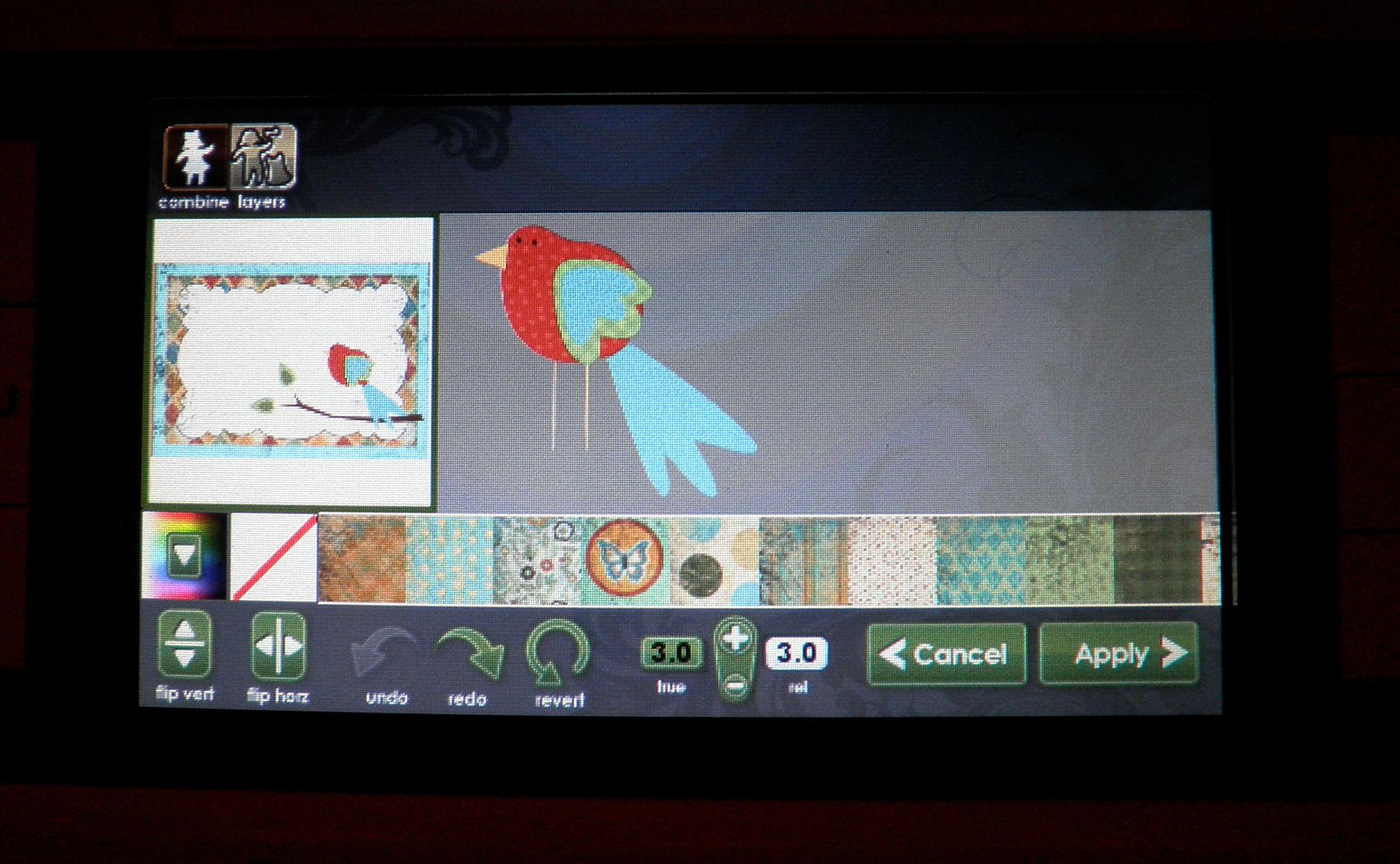
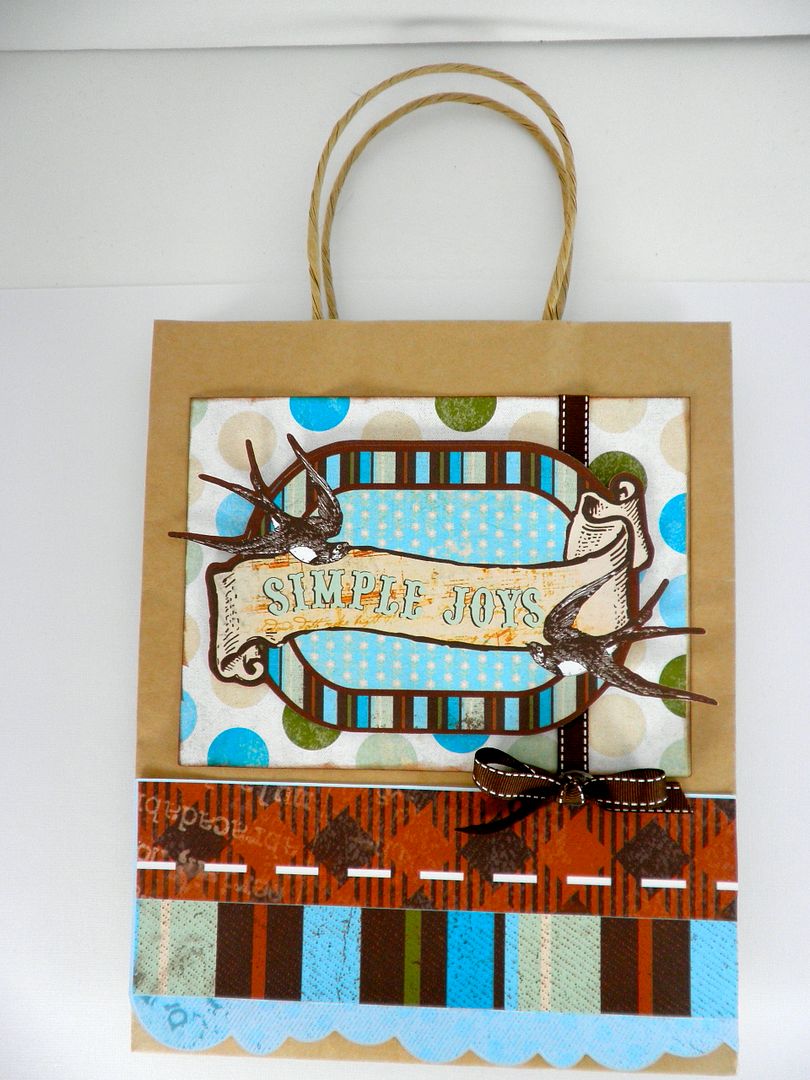
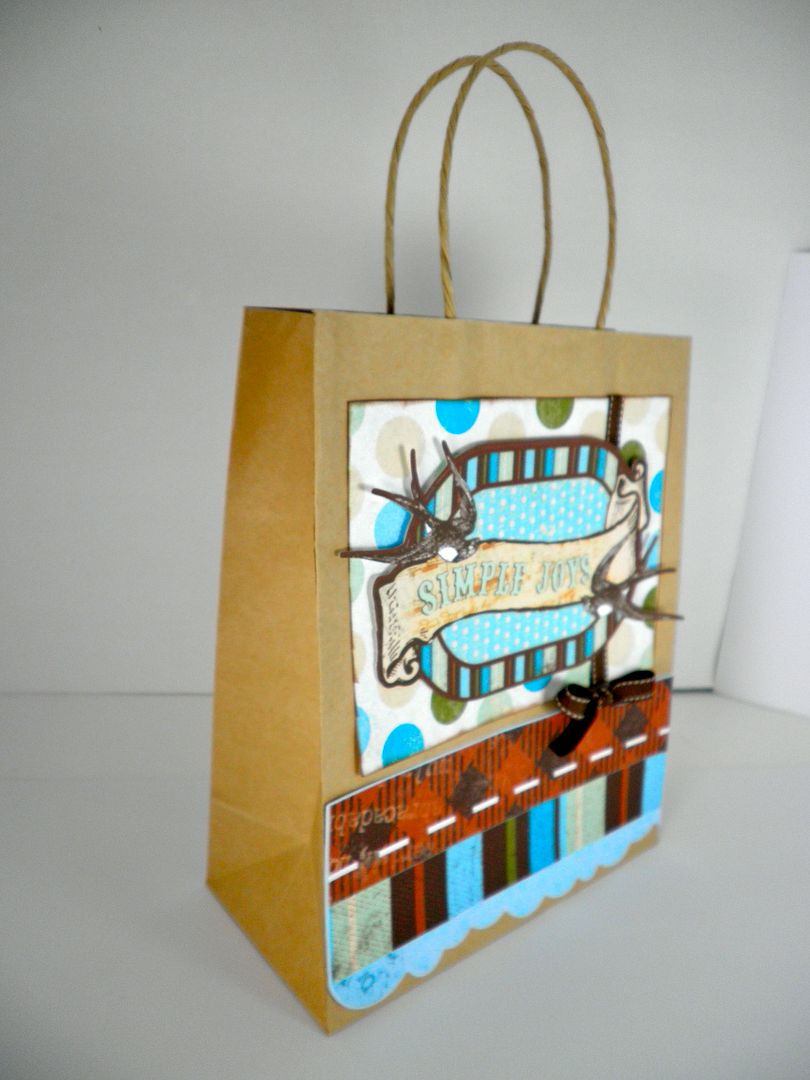
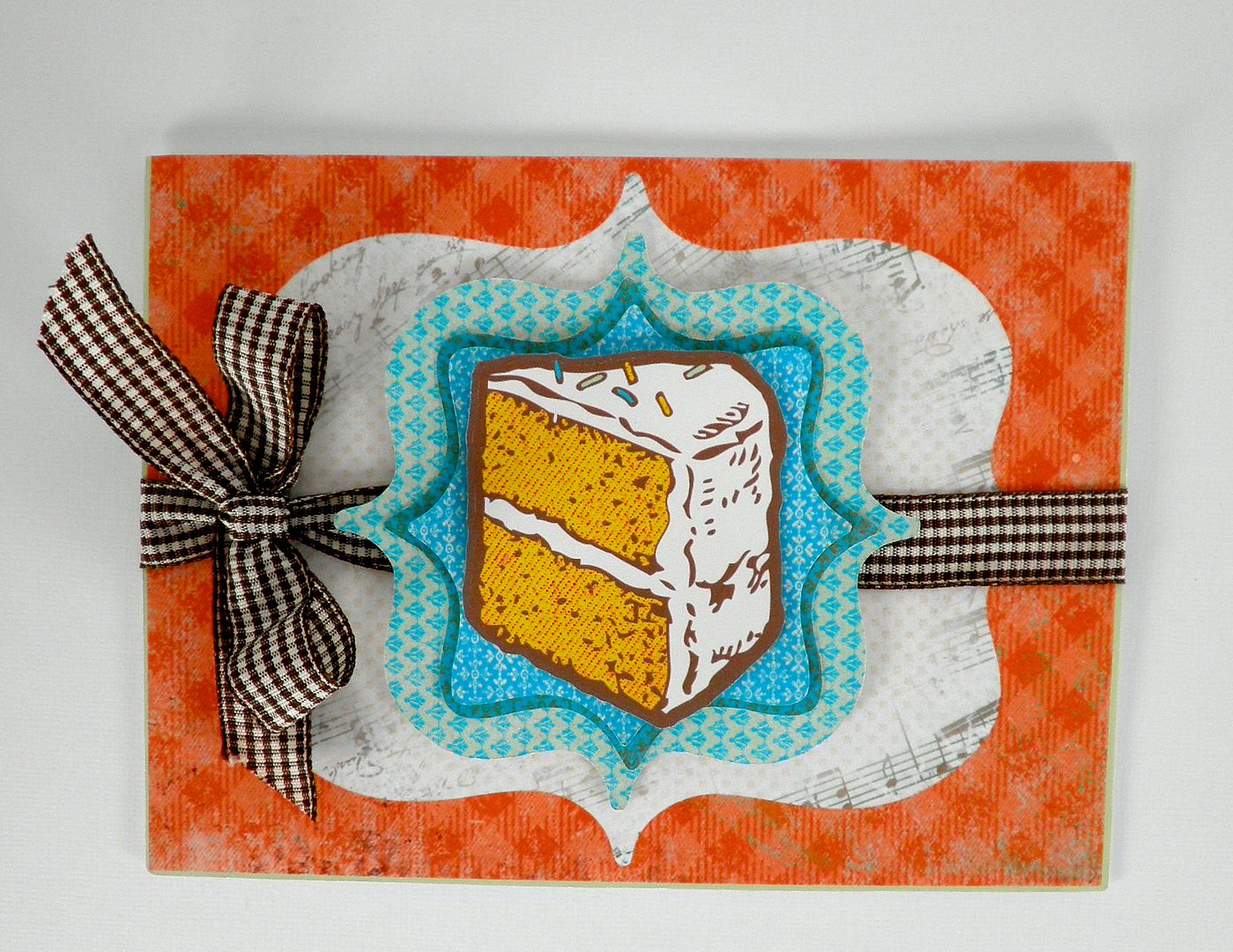
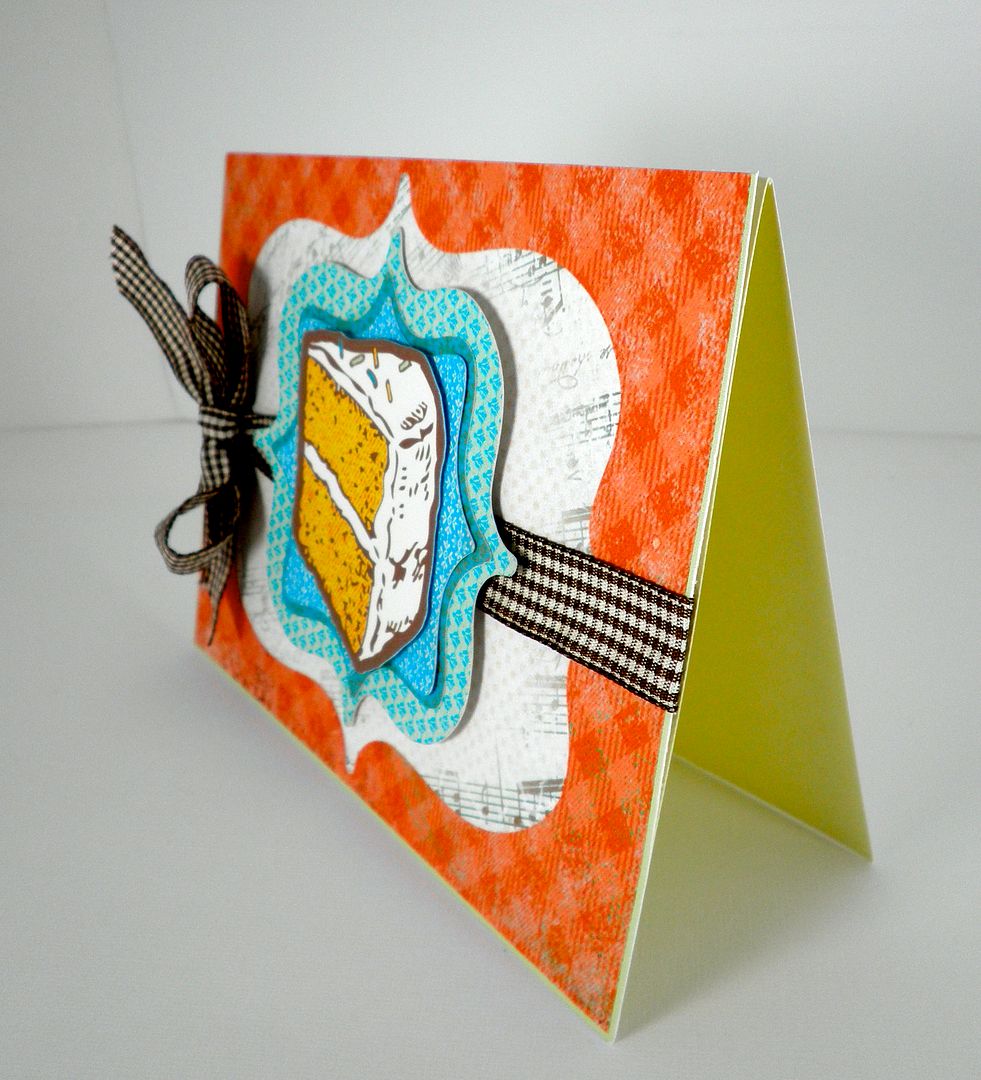
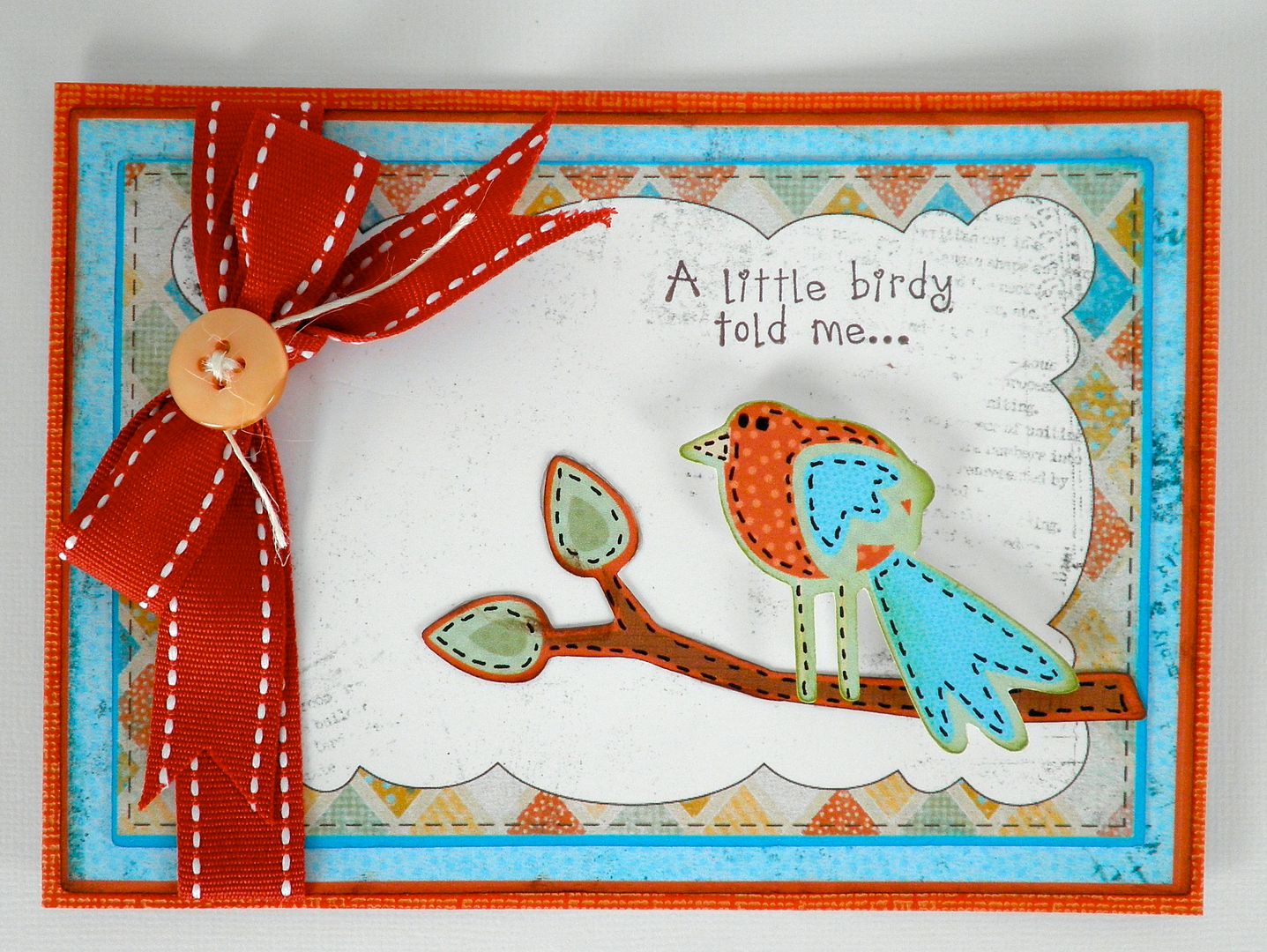
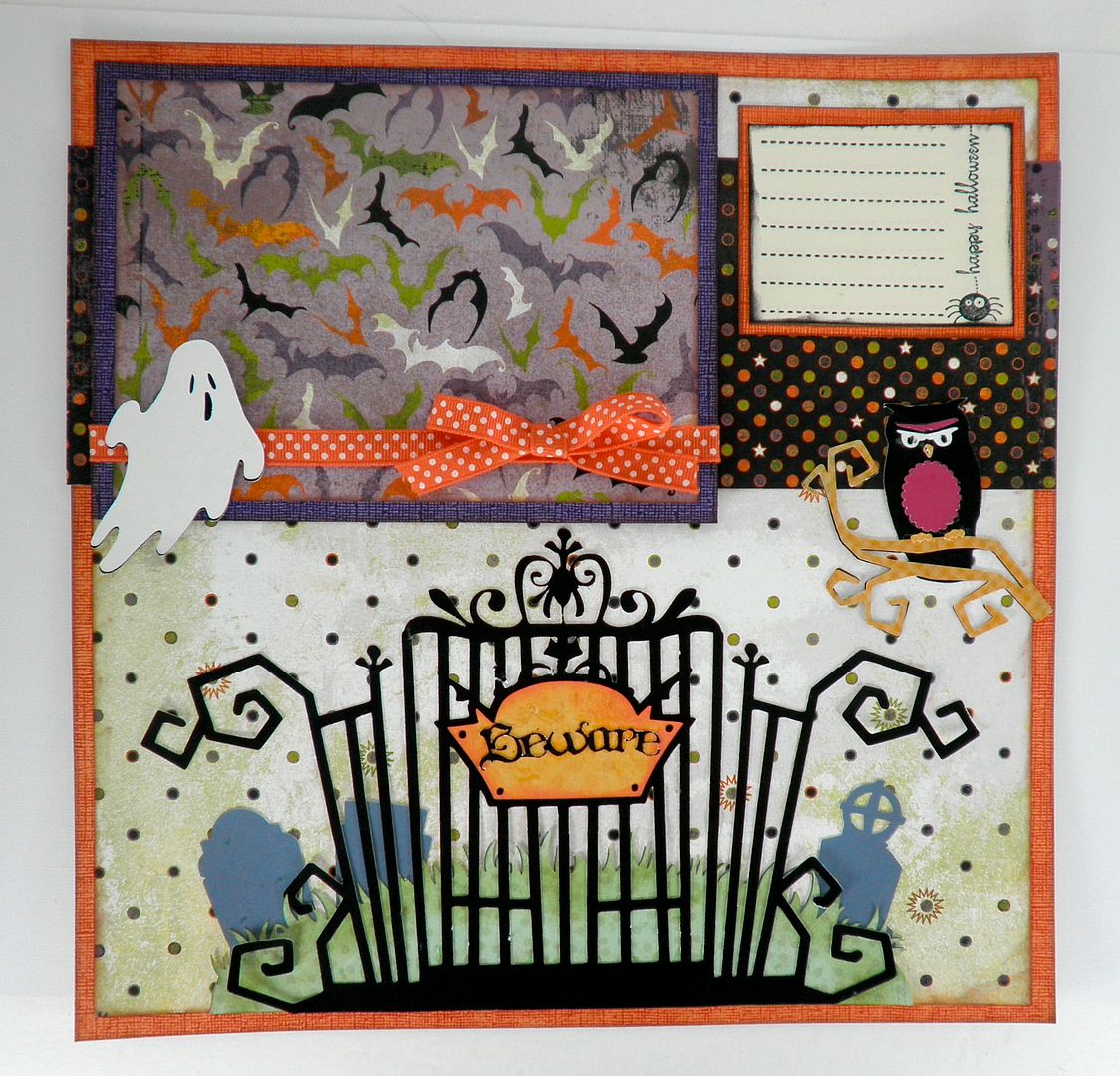
Guess what? My wonderful, super smart reader, Linda, has figured out how to print a sentiment anywhere on a card or layout using the Imagine! See the photos above? She developed an easy to use method to get those things to print just where she wanted. There's no tough math to do either! WOO HOO!
She developed a way to print anywhere on a card background or layout and she shows us how to do this via video on her fabulous blog, Paper Boutique! Head over and give Linda a shout out because this is phenomenal news!!! Not only that, while you're over on her blog, don't miss out on her slide show in the left hand column - the girl is seriously talented!! WOW!!
Also, don't forget there is a new Imagine update - Download your Imagine Sync Software - Now I only see a link for the PC and none for Apple :-( Not sure when Apple's update will be available...
Here is a list of questions and answers on the Cricut Imagine that has been received over at Everyday Cricut.
Disclaimer: Everything is answered to the best of my ability and information may change over time. Please keep in mind that we received the machine with NO handbook (although everyone who buys one will get one) so a lot of this info is compiled from video interviews with PC and trial and error.
1) How much are the ink cartridges? At this time, the black is $34.95 and the color is $39.95. Are the inks refillable? Not at this time.
2) How many sheets will they print? If you printed entire 11.5x11.5 sheets of full color (i.e. used a pattern over the full page to create what would look like a regular printed scrapbook page), we are hearing between 50-75 sheets. If you cut and print a bunch of different images, such as yesterday's project, that number is much higher at 120-150. I am sure it depends on how color intense the images are and their sizing. The machine comes with black and color ink cartridges full.
3) Can you use the Imagine cartridges in the Expression/Baby Bug/Create? No. They have a smaller housing so they cannot fit. However, the regular Cricut cartridges (full size, solutions, lite, cake) will fit in the Imagine and you can either "print and cut" using Imagine colors/regular ink colors or just "cut". You could also put regular scrapbook paper in the machine and just cut the images(same as the Expression/Baby Bug and Create).
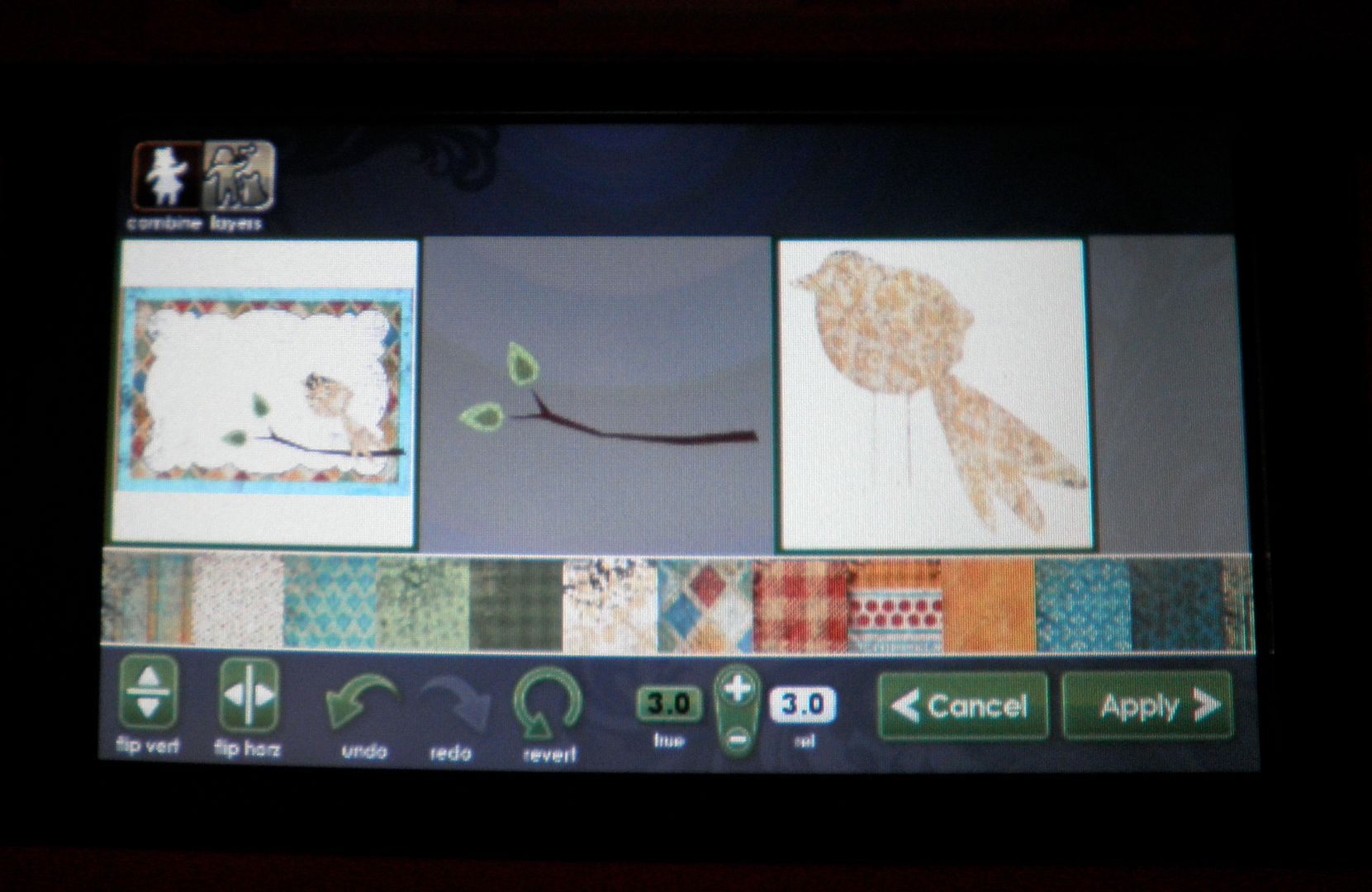
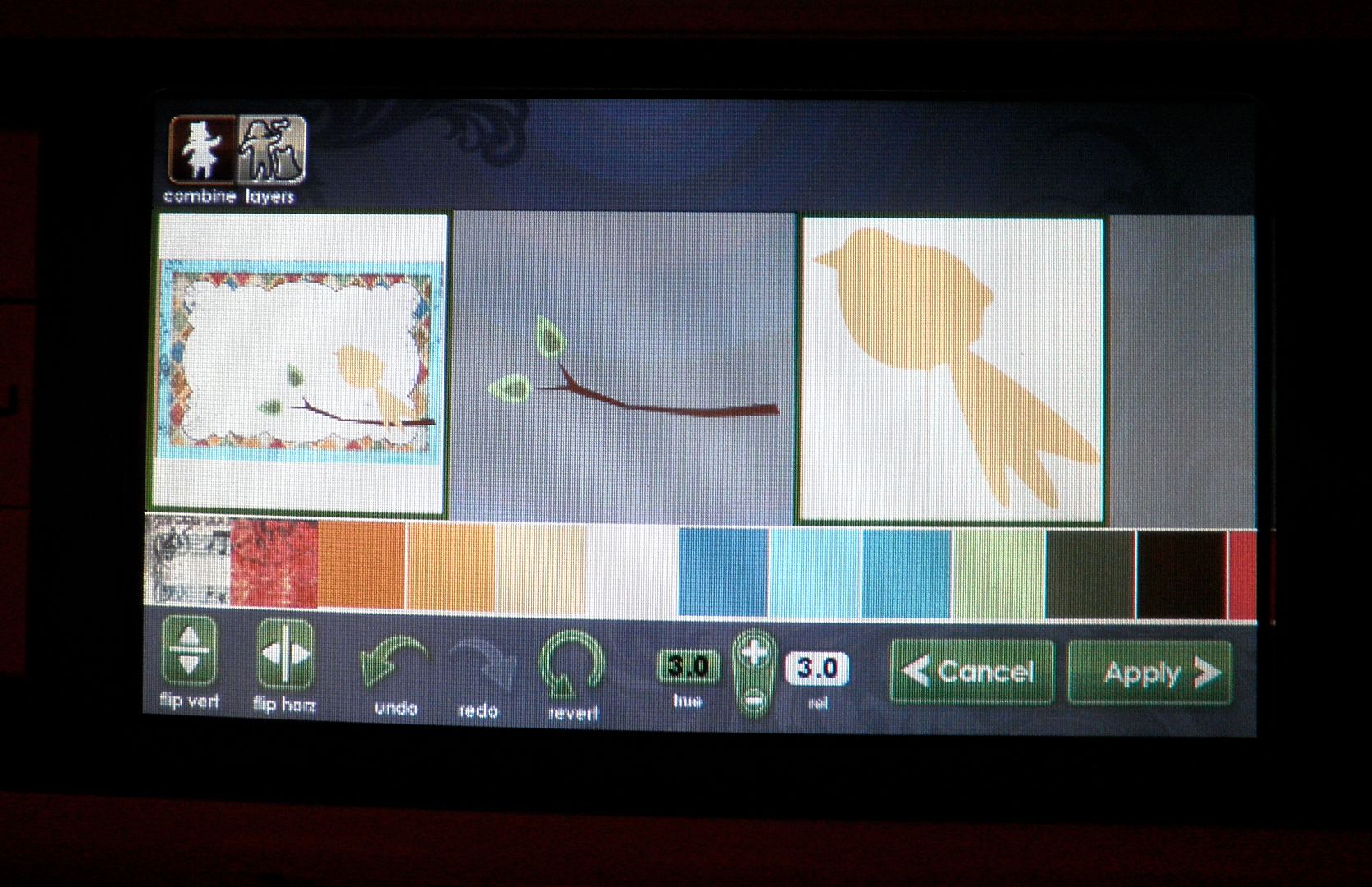
4) Can you mix and match the images from the Imagine cartridge and change the colors? Could I have cut a yellow bird (from yesterday's project) instead of orange? YES! See photos below!
Regular Bird:
Colored with yellow pattern:
Colored with solid yellow:
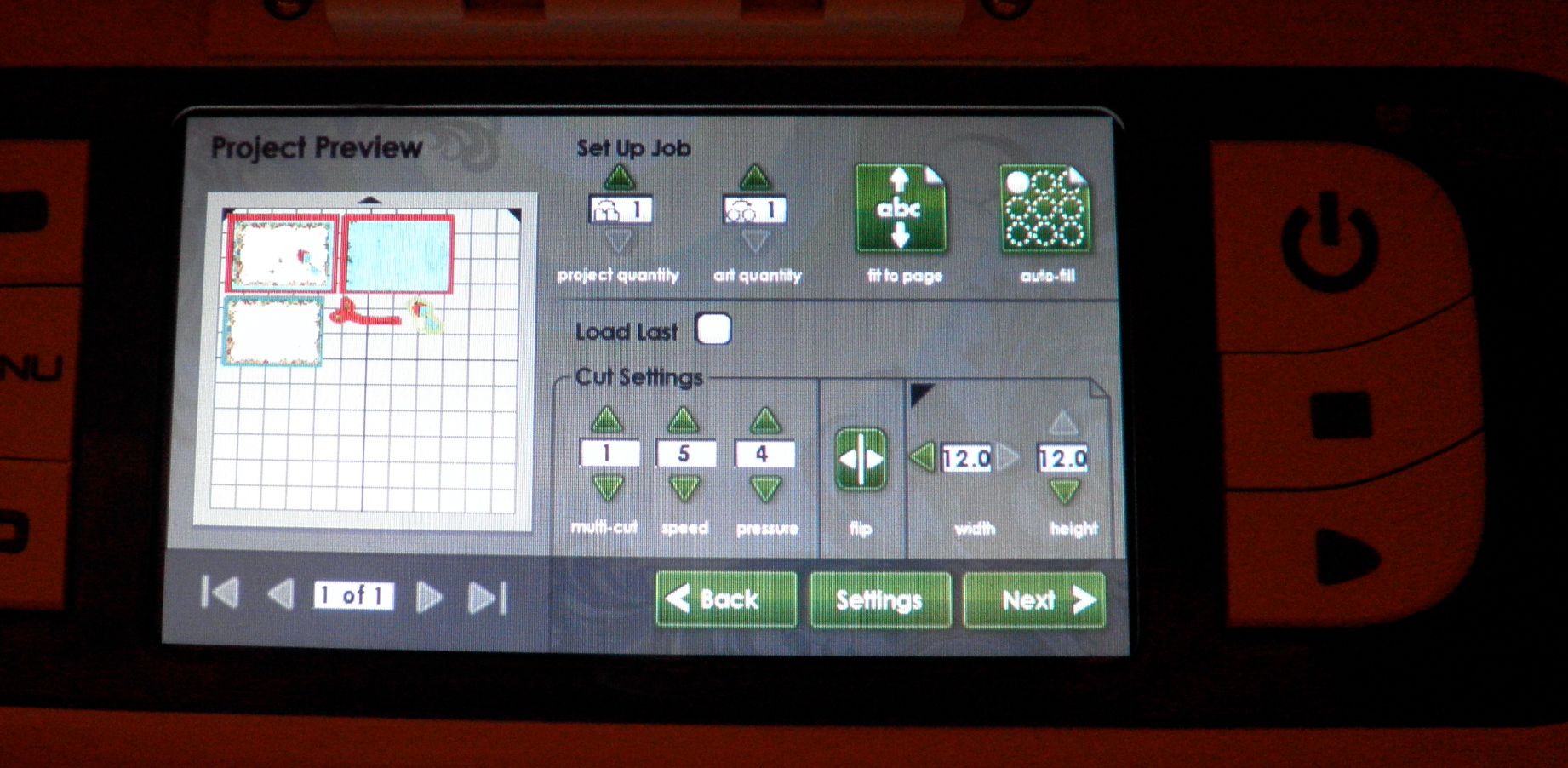
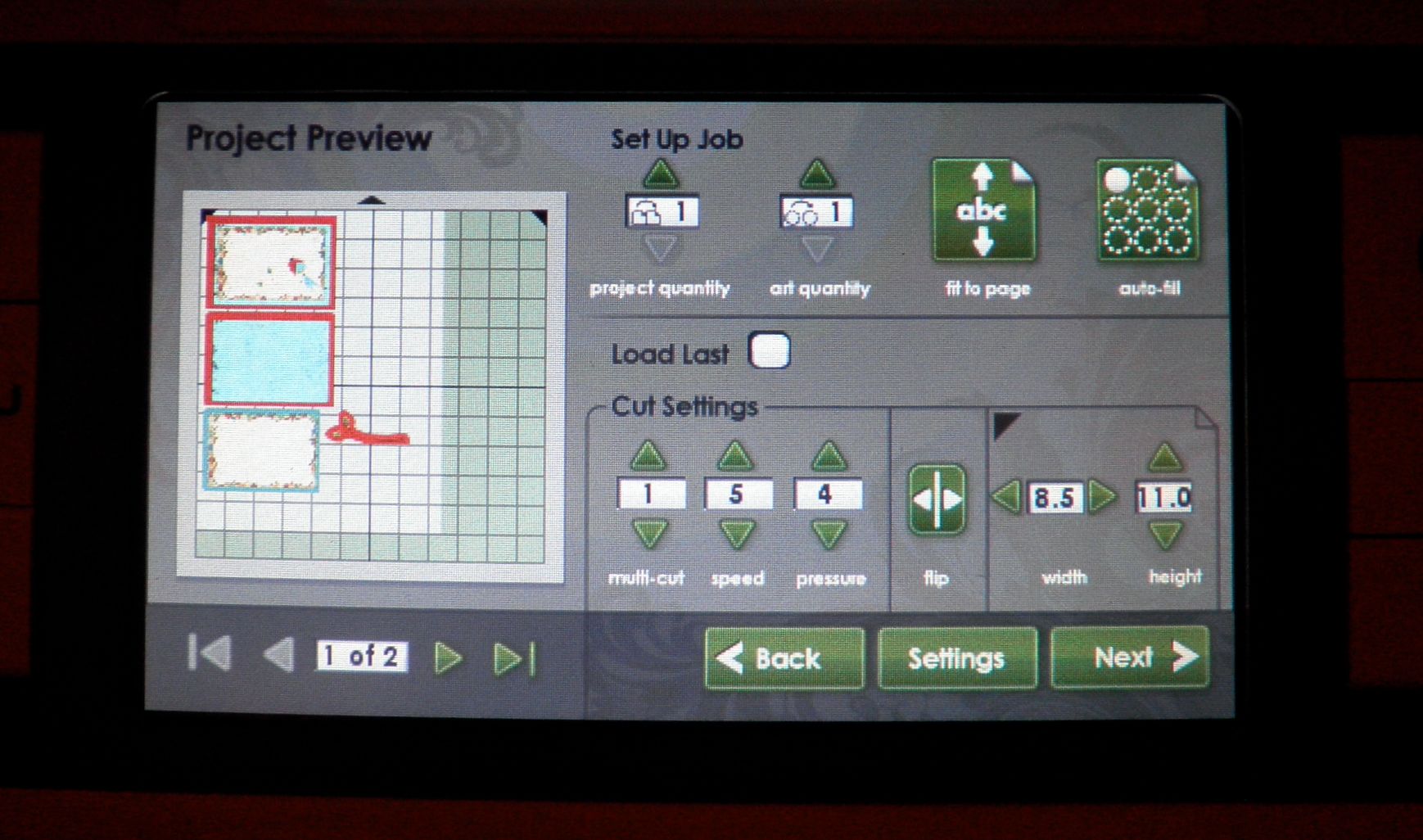
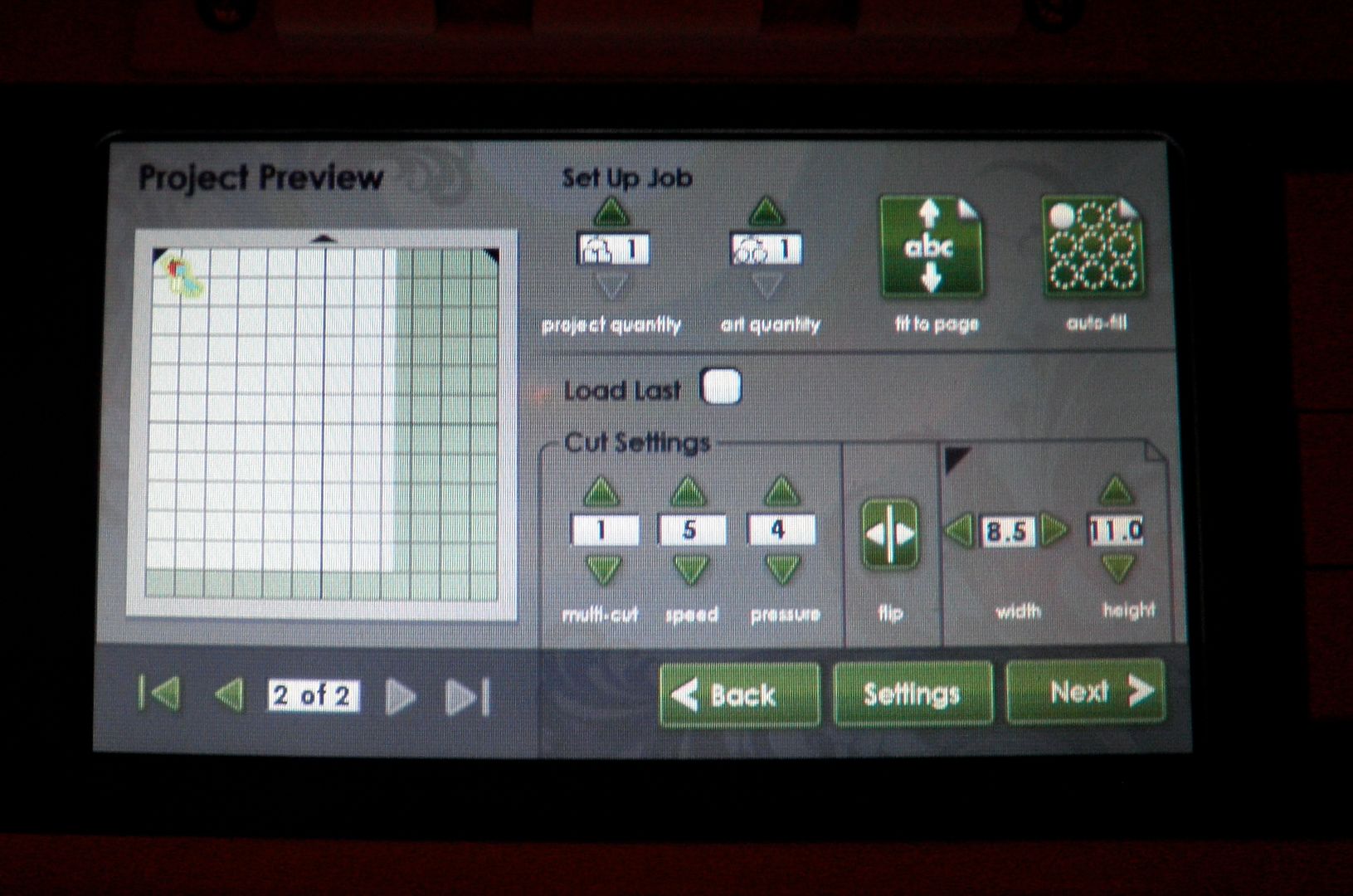
5) Do you have to use a full sheet of paper or can you use smaller pieces? Yes! You can use smaller pieces and there is a place to enter that info and then the machine resizes the preview and rearranges the pieces to fit them. You can also "load last". See photos below:
Using a 12x12 sheet:
Using an 8.5 x 11 sheet (requires two sheets):
Page 2 of 8.5x11:
6) What type of 12x12 white paper came with the machine? We do not know the brand but it was good quality, smooth cardstock. We also tested the Georgia Pacific white cardstock from Walmart ($6 for 150 sheets of 8.5x11) and some Bazzill embossed cardstock and they all printed and cut fine.
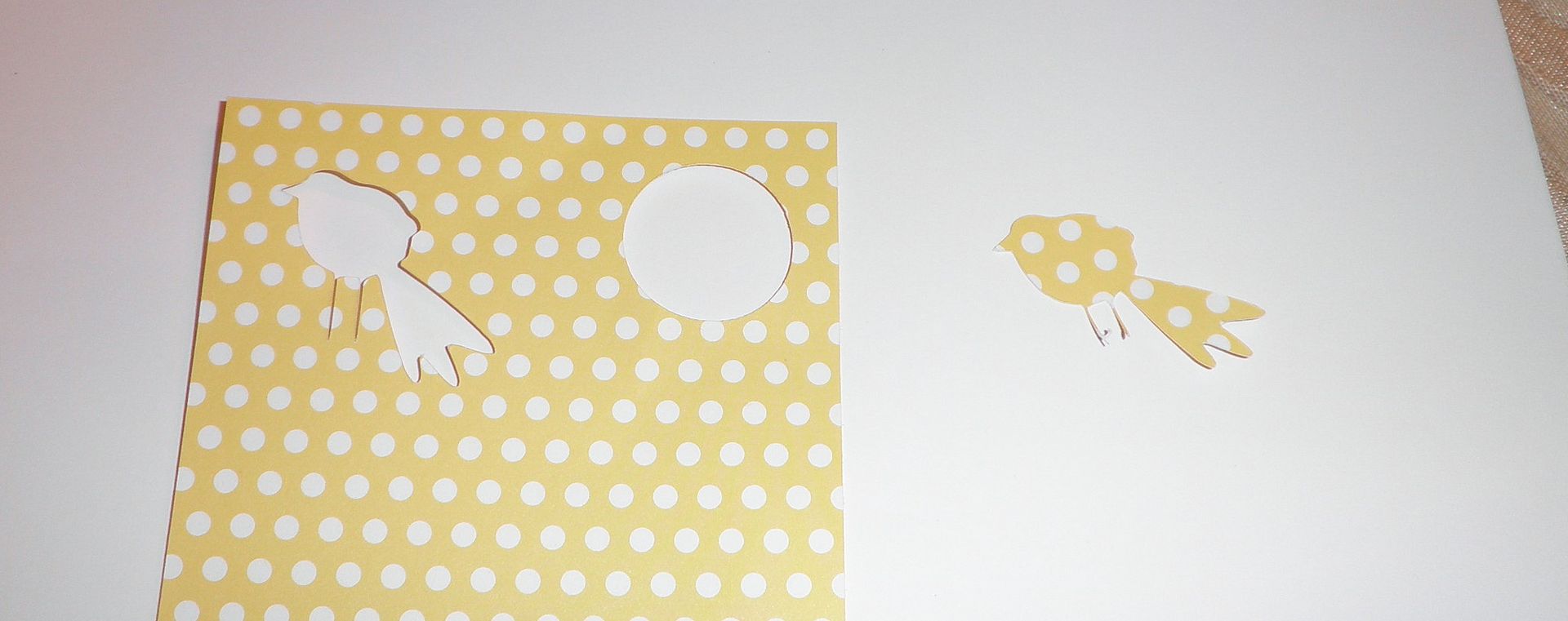
7) So how about if we have the patterned paper already. I am guessing we would have to use white only all the time. We would not be able to cut the bird out of patterned paper I already had? NO! You can do it. You can select an outline only button and it would cut the outline of the bird. See photo below.
8) What is the difference in the mats and can they be used in the regular Expression? The main differences are that these mats have a new glue to them and that they have thick black edge markings around them to tell the machine where to stop printing. They will work in the Expression. We were told that these will be the new standard mats for all machines eventually.
9) Can I use my existing mats in the Imagine machine? No. There are dark lines all along the edges of the Imagine mat that define it for the machine. You can use the Imagine mat in the Expression machine, though. The Imagine does not have a 12x24 mat at this time.
10) I heard that we will be able to put the imagine cartridges on the Gypsy. Will we be able to cut Imagine images from the Cricut expression through the Gypsy? I know we wouldn't be able to do the coloring but I am asking about the images. If not will Provocraft be making regular Cricut cartridges with the same designers they are using for the Imagine cartridges. I saw they will have Cosmo Cricut designs available for instance on the Imagine. Will CC be designing a regular cartridge as well.
I will have to find out the answer to this.
11) How much is the Cricut Imagine? MSRP is $499. We do NOT know what HSN will be pricing the machine at or what the package will be at this time. Tune in to HSN on Tuesday, September, 14, 2010 at 12:01 a.m. EST to find out more.
12) When you are printing your images, are you using best quality or draft? Is there a significant difference? For blog purposes, we have only used best quality. But, we will be testing this and will let you know.
13) How does print quality affect printer ink life? We do not know at this time. Of course, we assume it would last longer.
14)If you want to cut, instead of print, a single image like that bird, you can only get the basic shape of it, not layers? As in the example yesterday, that is true. The bird won't layer itself. BUT some of the other images break into layers. So, it is dependent on the image itself.
15)Can you pick just one element to cut out of the Imagine carts? for instance, yesterday, could you have chosen to just cut out your bird? Yes, you can. You can cut out the bird like below (with all its layers and colors) OR the outside shape either filled in with color or using your own patterned paper.
Here I am cutting just the bird shape - not the whole image shown to the left of the bird (with frame, branch, etc.):
16) Can you print, unload it to look at it, then reload it and have it cut the image you just printed without any troubles with realignment? We haven't tried this yet. Will have to get back to you.
17) You mentioned you can print a full size 11.5x11.5 paper- does it actually print a full 12x12 sheet of paper or does it print at 11.5? No, it will only print at 11.5x11.5.
18) The screen on the imagine, how is it compared to the screen on the gypsy? The screen on the gypsy is pretty small in my opinion. The screen is a little larger and in color, which makes a HUGE difference. BUT, you will need to be able to pull up a chair to work the screen properly so a desk setting probably would be best (or the end of your dining room table if you are Joy....for now, at least!).
19) I have the Design Studio and it is not compatible at this time.... Do you know if it will be in the near future? We do not know what the timeline is for that.
20) I'm not really tech savvy and that is what concerns me. Is the machine hard to use? It is surprisingly easy (and we're not just saying that!). We are working with NO MANUAL whatsoever and in about an hour, we were making things with no trouble. It will take you less time since we made videos on some of the things that took time figuring out (loading print cartridges and calibrating).
21) If you were just going to cut something from one of the original carts would you use your expression or do you see an advantage using the imagine? Oh and can you weld on the Imagine machine without the gypsy?
It's almost the same as using the Expression now although it does not cut as quickly (high speed on the Expression is VERY FAST). But, the scallops on the circles are perfect! You CANNOT weld using the machine alone. You would need the Gypsy to do that.
22) My question is this, although your lo's looks great, some projects look "printed" with the imagine. So does the gate look like it has been "printed"?? Or any other printed images, do they look like they have been printed? First of all, the gate is individually cut out, just like the Expression does - I just filled it in with black color instead of using black paper. For the regular images, such as the bird card from Monday, if you print out the image flat (without layers), it does look printed. If you cut it in layers, it doesn't because you can see the layers and variances. And, with the layers, you can texturize with the Cuttlebug, sand, ink, add pen work, etc.
23) Do you know what the blade housing is made from? Heavy duty plastic - feels more sturdy than the Pink E. However, I have the Pink E and it gets quite a workout and the blade housing works like a champ.
24) How much are the new cart. going to run do you know? New full Imagine cartridges with images and color design choices will be $89.99 MSRP and the Imagine cartridges with just color design choices will be $49.99. There are many Imagine cartridges coming up SOON - Check out the cartridges HERE!
25) How do you use the Gypsy with the Imagine? There is going to be a Gypsy update. So, for now, we are unable to show that.
26) Can you print sentiments onto the Imagine images using a Cricut font cartridge? For instance, on the card you did yesterday, could you have printed the sentiment instead of using a stamp? I could type out letters and fill them with color and print them out or just cut them out. Or I could use word art on a current Cricut cartridge and fill it with color, print it out or just cut it out. But I can't take a word document (for instance) with wording and print and cut it because there is no way to attach to the printer.
27) My question is can you cut vinyl and magnet material with the imagine? There will be a special Vinyl released to be cut in the Imagine. It has to do with the what the machine can handle (either heat or ink is the issue...). Magnet material may be too thick to go through the machine. I have not tried it so I am unsure of this.
28) Do you see the Imagine replacing the Expression or would I still have a use for both? The Imagine is like the Expression PLUS way more. BUT, it is heavy (27 pounds), large and not terribly portable. So, cropping with it would be hard. Also, Imagine cannot cut the bulky stuff (chipboard, magnet, etc.) so that would need to be factored in.
29) My question is are we going to be able to use glue to make our mats sticky again. Seems like that would be risky with the printer. If not how much are the new cutting mats going to be and how long will they last? Not sure. Will find out for you!
Here's a quick card I made using the Imagine More cartridge that comes with the Imagine machine!
It is sized at 4-1/4" x 5-3/4" and was made by first printing and cutting out the tea cup, the scalloped oval behind it (filled in with blue color) and the scalloped rectangle (also filled in with color from the designer patterns). I cut the cup at 3", the oval at 3-1/2" and the rectangle at 4".
I used black and white pens to add stitching on the tea cup image. That image consists of the tea cup, yellow background and green outline and cannot be divided into layers. Cardstock was by Core'dinations; ribbon and button by Papertrey Ink. Happy Birthday stamp by Darcie's. Text paper by October afternoon. Scalloped lace border punch by Martha Stewart.
Scalloped tea cup was pop dotted onto the card for added dimensional interest.
Now for the schedule this week:
Tuesday: Big HSN kick-off for the Imagine Machine with showings at 12:01 a.m. - 2:00 a.m. (EST) and more! Check HERE for the HSN schedule! There will be 24 hours of crafting/scrapbooking!! Set your Tivos! Tim Holtz will be on for the first time as well as my favorite Anna Griffin and Jinger Adams! Don't miss out!
Melanie and I will be on the Cricut facebook page Tuesday from 8:30 p.m. - 9:00 p.m.! We will have some fun times for you so don't miss out!
Be sure and check the Official Cricut Twitter and Facebook sites all day today and Tuesday for giveaways, "ask the expert" segments, fun videos and MORE!
Wed.: More Imagine info and I will be the guest main writer on the Cricut Chirp newsletter so check it out! I am so honored to have been able to do that - it was a blast!
Thursday: Helloooooo, Thursday! Be sure to check back as I will have some great giveaways (as always!) and previews of BRAND NEW cartridges! Everyone will want to see these!!
Friday: More Helloooo Thursday projects.
For those of you concerned this will become an Imagine blog only, let me reassure you that I will NOT be doing that. However, I do need to get some information and projects up about the machine so that my informational data on the site is useful and up to date. So, bear with me while I get all that loaded.
Here are some more projects from the Imagine machine! These went together so quickly and were so fun to make! Melanie and I made these together and had such a fun time!
To see all the new Cricut Imagine cartridges coming out soon, check out the Shopping Section of Cricut.com! No word exactly on the release date of these but wow, these are SO FUN!
The Cricut Imagine machine is a machine that combines the capabilities of the Cricut Expression with the ability to print images. It allows you to cut out images and layers that you have printed. It is a joint venture between Provocraft and HP, a leader in the printer industry.
12 Basic Facts:
1) Size of Machine: 24.5" x 13.5" x 7"
Weight: 28 pounds
2) Pricing: MSRP: $599 and comes with one Cricut Imagine Cartridge called Imagine More and one mat (may come with handfull of paper - need to confirm)
Ink Cartridge Pricing: MSRP: Black $34.95 Color: $39.95 (you need one of each) - uses HP Vivera Ink
Cartridge Pricing: MSRP: Full Cartridges (images and designer patterns/colors): $89.95
Designer Patterns/Colors only: $49.95
3) Allows you to use both your existing Cricut cartridges that fit in the Expression, Baby Bug, Create and Cake Machines AND the new Imagine cartridges. Uses 12x12 Imagine mats (cannot use Expression mats) and can cut a variety of materials like patterned paper, cardstock, transparency, photo paper, etc. (except stiffer ones like chipboard).
4) Gypsy compatible. Currently will not work with Design Studio
5) Same functionality as the Expression (autofill, quantity, flip, fit to page, load last) except centerpoint. However, screen shows where image is on mat so visuals take care of fit to length, portrait, etc. features. Can use smaller paper and machine adjusts images accordingly. Cannot move blade independently.
6) Comes with USB cord for updating firmware with your Computer
7) Can be used as a stand-alone unit
8) Is Mac/PC compatible for firmware updates
9) Can print only, cut only OR print and cut
10) You can set an exact color using R,G,B values or a color picker to flood an image with color, print it and then cut it. You can also use pre-loaded colors and patterns on the Imagine cartridges.
11) Machine has stored in it some basic shapes such as square, circle, rectangle, heart, scalloped square, scalloped rectangle, scalloped circle, scalloped heart, word bubbles, tree, baby onesie, duck, and various top note shapes. These cut be cut out plain OR filled with color and cut.
12) Prints to approximately 11.5" x 11.5" and may be water fast and/or archival on designated HP paper products.
TUNE in to HSN on Tuesday, September 14, 2010 at 12:01 a.m. for the world launch! Click to see more about the Cricut Imagine Machine!
Above is a photo showing the difference between the draft and best quality settings on the Cricut Imagine machine using Georgia Pacific white cardstock from Walmart. Best to print on best quality setting, don't you think? But good to have the option of draft so you could do some test cuts.
See this quick and easy guide to calibrating your Cricut Imagine Machine below! It is an absolute NECESSITY that you do this before cutting or your cuts will be off!
I made this quick A2 sized card (4-1/4" x 5-1/2") using the new Cricut Happy Hauntings cartridge. I have a card making group and need to be able to cut multiples of images so I can provide each person with a card kit.
Since I just got the Cricut Imagine Machine, I thought I would see what the machine could do to help me make up my class kits.
I found the orange patterned dot paper on the color selection on the new Cricut Imagine More cartridge and decided to learn how to use the autofill feature to cut out as many scalloped circles onto one mat as I could. To see how I filled the circle with the orange pattern and then used the autofill button, see the video below:
Next, I needed to cut out 9 bats to go inside my orange circles so I used the art quantity button on the Cricut Imagine machine to do so. I also wanted to use 8-1/2" x 11" paper to cut my bats out and wanted to see how the machine handles odd sized paper. Check out the video below to see that function:
Stamps from Michaels and Joanns. Cardstock from Core'dinations - patterned paper by Making Memories. Ribbon from Michaels and Hobby Lobby. Punch by Martha Stewart.
Hope these videos are helping you to see the different functions of the Cricut Imagine machine.
For those of you worried that I have abandoned the Expression machine, do not fear! I still love my pink E and plan to continue to feature projects and cartridges related to that machine.
Also, here are the answers to some questions we received over on Everyday Cricut:
1) Can I use my existing mats in the Imagine machine? No. There are dark lines all along the edges of the Imagine mat that define it for the machine. You can use the Imagine mat in the Expression machine, though. The Imagine does not have a 12x24 mat at this time.
2) I heard that we will be able to put the imagine cartridges on the Gypsy. Will we be able to cut Imagine images from the Cricut expression through the Gypsy? I know we wouldn't be able to do the coloring but I am asking about the images. If not will Provocraft be making regular Cricut cartridges with the same designers they are using for the Imagine cartridges. I saw they will have Cosmo Cricut designs available for instance on the Imagine. Will CC be designing a regular cartridge as well.
I will have to find out the answer to this.
3) How much is the Cricut Imagine? MSRP is $599. We do NOT know what HSN will be pricing the machine at or what the package will be at this time. Tune in to HSN on Tuesday, September, 14, 2010 at 12:01 a.m. EST to find out more.
4) When you are printing your images, are you using best quality or draft? Is there a significant difference? For blog purposes, we have only used best quality. But, we will be testing this and will let you know.
5) How does print quality affect printer ink life? We do not know at this time. Of course, we assume it would last longer.
6)If you want to cut, instead of print, a single image like that bird, you can only get the basic shape of it, not layers? As in the example yesterday, that is true. The bird won't layer itself. BUT some of the other iamges break into layers. So, it is dependent on the image itself.
7)Can you pick just one element to cut out of the Imagine carts? for instance, yesterday, could you have chosen to just cut out your bird? Yes, you can. You can cut out the bird like below (with all its layers and colors) OR the outside shape either filled in with color or using your own patterned paper.
Here I am cutting just the bird shape - not the whole image shown to the left of the bird (with frame, branch, etc.):
8) Can you print, unload it to look at it, then reload it and have it cut the image you just printed without any troubles with realignment? We haven't tried this yet. Will have to get back to you.
9) You mentioned you can print a full size 11.5x11.5 paper- does it actually print a full 12x12 sheet of paper or does it print at 11.5? No, it will only print at 11.5x11.5.
10) The screen on the imagine, how is it compared to the screen on the gypsy? The screen on the gypsy is pretty small in my opinion. The screen is a little larger and in color, which makes a HUGE difference. BUT, you will need to be able to pull up a chair to work the screen properly so a desk setting probably would be best (or the end of your dining room table if you are Joy....for now, at least!).
11) I have the Design Studio and it is not compatible at this time.... Do you know if it will be in the near future? We do not know what the timeline is for that.
12) I'm not really tech savvy and that is what concerns me. Is the machine hard to use? It is surprisingly easy (and we're not just saying that!). We are working with NO MANUAL whatsoever and in about an hour, we were making things with no trouble. It will take you less time since we made videos on some of the things that took time figuring out (loading print cartridges and calibrating).
13) If you were just going to cut something from one of the original carts would you use your expression or do you see an advantage using the imagine? Oh and can you weld on the Imagine machine without the gypsy?
It's almost the same as using the Expression now although it does not cut as quickly (high speed on the Expression is VERY FAST). But, the scallops on the circles are perfect! You CANNOT weld using the machine alone. You would need the Gypsy to do that.
14) My question is this, although your lo's looks great, some projects look "printed" with the imagine. So does the gate look like it has been "printed"?? Or any other printed images, do they look like they have been printed? First of all, the gate is individually cut out, just like the Expression does - I just filled it in with black color instead of using black paper. For the regular images, such as the bird card from Monday, if you print out the image flat (without layers), it does look printed. If you cut it in layers, it doesn't because you can see the layers and variances. And, with the layers, you can texturize with the Cuttlebug, sand, ink, add pen work, etc.
15) Do you know what the blade housing is made from? Heavy duty plastic - feels more sturdy than the Pink E. However, I have the Pink E and it gets quite a workout and the blade housing works like a champ.
16) How much are the new cart. going to run do you know? New full Imagine cartridges with images and color design choices will be $89.99 MSRP and the Imagine cartridges with just color design choices will be $49.99. There are many Imagine cartridges coming up SOON!
17) How do you use the Gypsy with the Imagine? There is going to be a Gypsy update next week that will make the Gypsy compatible with the Imagine. So, for now, we are unable to show that.
18) Can you print sentiments onto the Imagine images using a Cricut font cartridge? For instance, on the card you did yesterday, could you have printed the sentiment instead of using a stamp? Not at this time.
19) My question is can you cut vinyl and magnet material with the imagine? There will be a special Vinyl released to be cut in the Imagine. It has to do with the what the machine can handle (either heat or ink is the issue...). Magnet material may be too thick to go through the machine.
20) Do you see the Imagine replacing the Expression or would I still have a use for both? The Imagine is like the Expression PLUS way more. BUT, it is heavy (27 pounds), large and not terribly portable. So, cropping with it would be hard. Also, Imagine cannot cut the bulky stuff (chipboard, magnet, etc.) so that would need to be factored in.
21) My question is are we going to be able to use glue to make our mats sticky again. Seems like that would be risky with the printer. If not how much are the new cutting mats going to be and how long will they last? Not sure. Will find out for you!
Subscribe to Obsessed with Scrapbooking to learn more about ways to use the Cricut in your scrapbooking! This post may contain affiliate links, which help subsidize my diet coke and coffee intake, necessary to run this blog.
This Happy Hauntings layout was also created for Everyday Cricut! Here's a copy of the Q and A on the machine that may provide some answers for those of you interested in the machine!
1) How much are the ink cartridges? At this time, the black is $34.95 and the color is $39.95. Are the inks refillable? Not at this time.
2) How many sheets will they print? If you printed entire 11.5x11.5 sheets of full color (i.e. used a pattern over the full page to create what would look like a regular printed scrapbook page), we are hearing between 50-75 sheets. If you cut and print a bunch of different images, such as yesterday's project, that number is much higher at 120-150. I am sure it depends on how color intense the images are and their sizing. The machine comes with black and color ink cartridges full.
3) Can you use the Imagine cartridges in the Expression/Baby Bug/Create? No. They have a smaller housing so they cannot fit. However, the regular Cricut cartridges (full size, solutions, lite, cake) will fit in the Imagine and you can either "print and cut" using Imagine colors/regular ink colors or just "cut". You could also put regular scrapbook paper in the machine and just cut the images(same as the Expression/Baby Bug and Create).
4) Can you mix and match the images from the Imagine cartridge and change the colors? Could I have cut a yellow bird (from yesterday's project) instead of orange? YES! See photos below!
Regular Bird:
Colored with yellow pattern:
Colored with solid yellow:
5) Do you have to use a full sheet of paper or can you use smaller pieces? Yes! You can use smaller pieces and there is a place to enter that info and then the machine resizes the preview and rearranges the pieces to fit them. You can also "load last". See photos below:
Using a 12x12 sheet:
Using an 8.5 x 11 sheet (requires two sheets):
Page 2 of 8.5x11:
6) What type of 12x12 white paper came with the machine? We do not know the brand but it was good quality, smooth cardstock. We also tested the Georgia Pacific white cardstock from Walmart ($6 for 150 sheets of 8.5x11) and some Bazzill embossed cardstock and they all printed and cut fine.
7) So how about if we have the patterned paper already. I am guessing we would have to use white only all the time. We would not be able to cut the bird out of patterned paper I already had? NO! You can do it. You can select an outline only button and it would cut the outline of the bird. See photo below.
8) What is the difference in the mats and can they be used in the regular Expression? The main differences are that these mats have a new glue to them and that they have thick black edge markings around them to tell the machine where to stop printing. They will work in the Expression. We were told that these will be the new standard mats for all machines eventually.
I will have a new project up tomorrow here with video and a different one over on Everyday Cricut. All projects were completed by Melanie (Courtney Lane Designs) and myself together!
Remember, the HSN launch for the Imagine Machine is on Tuesday, September 14!
Unless otherwise stated within the post, this is my original work. Please feel free to use as inspiration for your own personal use, but do not use for publication, contest/message board entries, or to sell. If my work inspires a work of your own, please give credit by posting a link to my blog. Thank you!